Tripora - Travel Agency Website UI Kit

Tripora - Travel Agency Website UI Kit

Figma
Website
Auto Layout
Design System
Tripora - Travel Agency Website UI Kit is a premium design resource featuring over 50+ carefully crafted, mobile-responsive screens. This UI Kit Includes light & dark modes, mobile responsiveness, and a clean user-friendly interface to create seamless travel agency experiences across devices.

Figma Variables

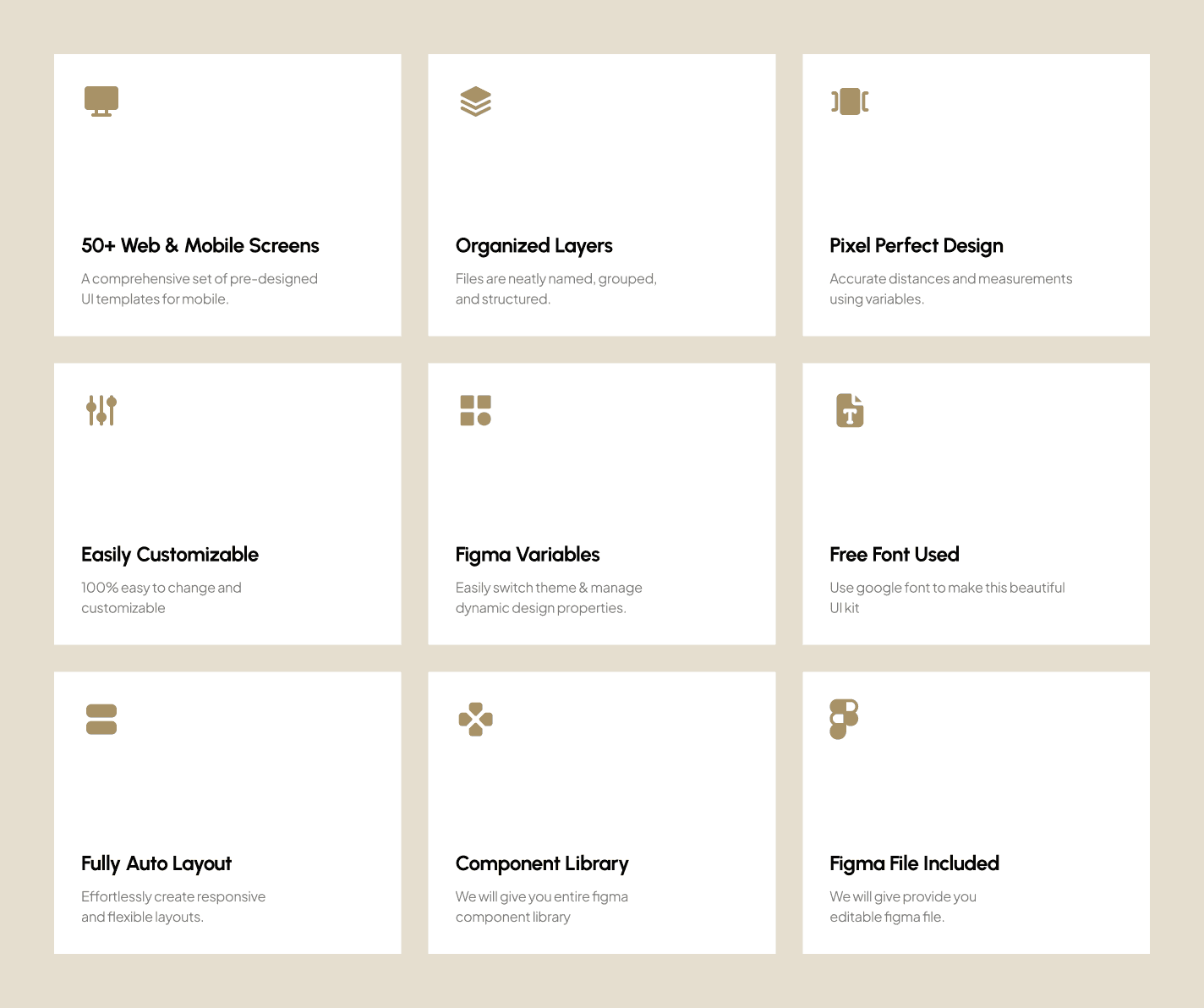
Figma variables are excellent! It has been equipped with 50+ Figma variables. It will help you to define colors, typeface and styles easily.

Design System

This UI kit is equipped with a big design system with local variable and variants. Everything is integrated with the design system, so you only need to change the logo, button, input form, icons and all elements in the design system. The entire design screen will automatically change.

Fully Auto Layout

Auto layout is handy! It has been designed with a full auto layout, so it is very adaptive if you want to edit, delete, or add some parts. You can also resize the frame, and the design will be responsive according to the size of the frame you want. If you are not familiar with auto layout, you can turn it off by right-clicking the layer and selecting remove auto layout.
Thank you for your purchase 🤩
Tripora - Travel Agency Website UI Kit is a premium design resource featuring over 50+ carefully crafted, mobile-responsive screens. This UI Kit Includes light & dark modes, mobile responsiveness, and a clean user-friendly interface to create seamless travel agency experiences across devices.

Figma Variables

Figma variables are excellent! It has been equipped with 50+ Figma variables. It will help you to define colors, typeface and styles easily.

Design System

This UI kit is equipped with a big design system with local variable and variants. Everything is integrated with the design system, so you only need to change the logo, button, input form, icons and all elements in the design system. The entire design screen will automatically change.

Fully Auto Layout

Auto layout is handy! It has been designed with a full auto layout, so it is very adaptive if you want to edit, delete, or add some parts. You can also resize the frame, and the design will be responsive according to the size of the frame you want. If you are not familiar with auto layout, you can turn it off by right-clicking the layer and selecting remove auto layout.
Thank you for your purchase 🤩